

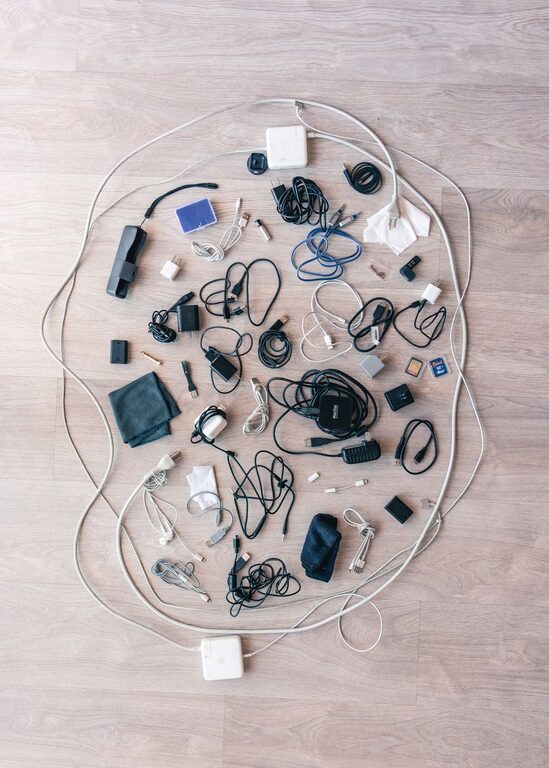
Keeping cables and chargers organized can transform a chaotic space into a tidy, efficient area. Whether it’s your home office, entertainment center, or bedside table, managing cords neatly improves both the look and functionality of your space. In this post, we’ll explore easy and effective strategies to organize cables and chargers so you can enjoy a clutter-free environment.
Why Organize Cables and Chargers?
Before diving into specific methods, it’s worth considering why cable organization matters:
– Safety: Tangled wires pose tripping hazards and can cause damage to devices.
– Durability: Properly stored cables last longer, avoiding kinks and frays.
– Efficiency: Finding the right charger or cable becomes quick and stress-free.
– Aesthetics: Neat cables improve the overall look of your workspace or living area.
With these benefits in mind, let’s look at how to get started.
Step 1: Gather and Sort Your Cables
Begin by gathering all your cables and chargers in one place. This helps you see what you have and decide what’s necessary.
– Sort by type: Group similar cables together, such as USB, HDMI, power cords, and headphone wires.
– Declutter: Discard or donate cables you no longer use or that don’t work.
– Label: Consider labeling cables with tags or tape to identify purpose or device.
Organizing by type and purpose makes it easier to store and access cables later.
Step 2: Choose the Right Storage Solutions
There are many tools and products designed to help keep cables neat. Choose what fits your needs and space best.
Cable Organizers and Holders
– Cable clips: Stick these to desks or walls to hold cables in place.
– Velcro straps: Reusable straps keep coiled cables tidy and prevent tangling.
– Cable sleeves: Bundle multiple wires together inside a fabric or plastic sleeve.
– Cord boxes: Hide power strips and extra cable length inside boxes.
DIY Options
If you prefer a budget-friendly approach, you can try some simple DIY methods:
– Use bread clips or binder clips to keep cables separated and labeled.
– Empty toilet paper rolls make great holders for individual cables.
– Use zip ties or twist ties to bundle cables, but avoid over-tightening.
Step 3: Position Chargers Strategically
Where you place chargers affects how easily you can access and store them.
– Near power outlets: Keep chargers close to sockets for convenience.
– Use a charging station: A dedicated station keeps multiple chargers together and minimizes clutter.
– Hide excess cable length: Wrap extra cable length neatly behind furniture or inside a storage box.
Step 4: Maintain Your Cable Organization
Keeping cables organized is an ongoing process. Set aside time regularly to:
– Check cables for wear and replace if needed.
– Reorganize after adding or removing devices.
– Clean your cable storage areas to avoid dust buildup.
Additional Tips for Cable Management
– Use shorter cables: When possible, opt for cables that match the required length to reduce excess.
– Color code: Use colored tape or cable ties to easily distinguish between cables.
– Avoid knots: Never tie cables too tightly or create sharp bends as this can damage wires.
– Plan your setup: Arrange devices and cables to minimize crossing and tangling.
Conclusion
Organizing cables and chargers doesn’t have to be a complicated task. With a little time and the right tools, you can create a neat and efficient workspace or living area. Start by sorting your cables, select suitable storage solutions, position chargers thoughtfully, and maintain the system regularly. Your devices and your mind will thank you for the tidy environment!
Happy organizing!